05-Remote file transfer
1. MobaXterm
MobaXterm is a powerful remote tool that integrates SHH, VNC, FTP and other remote tools.
2. MobaXterm installation
Official website: https://mobaxterm.mobatek.net/
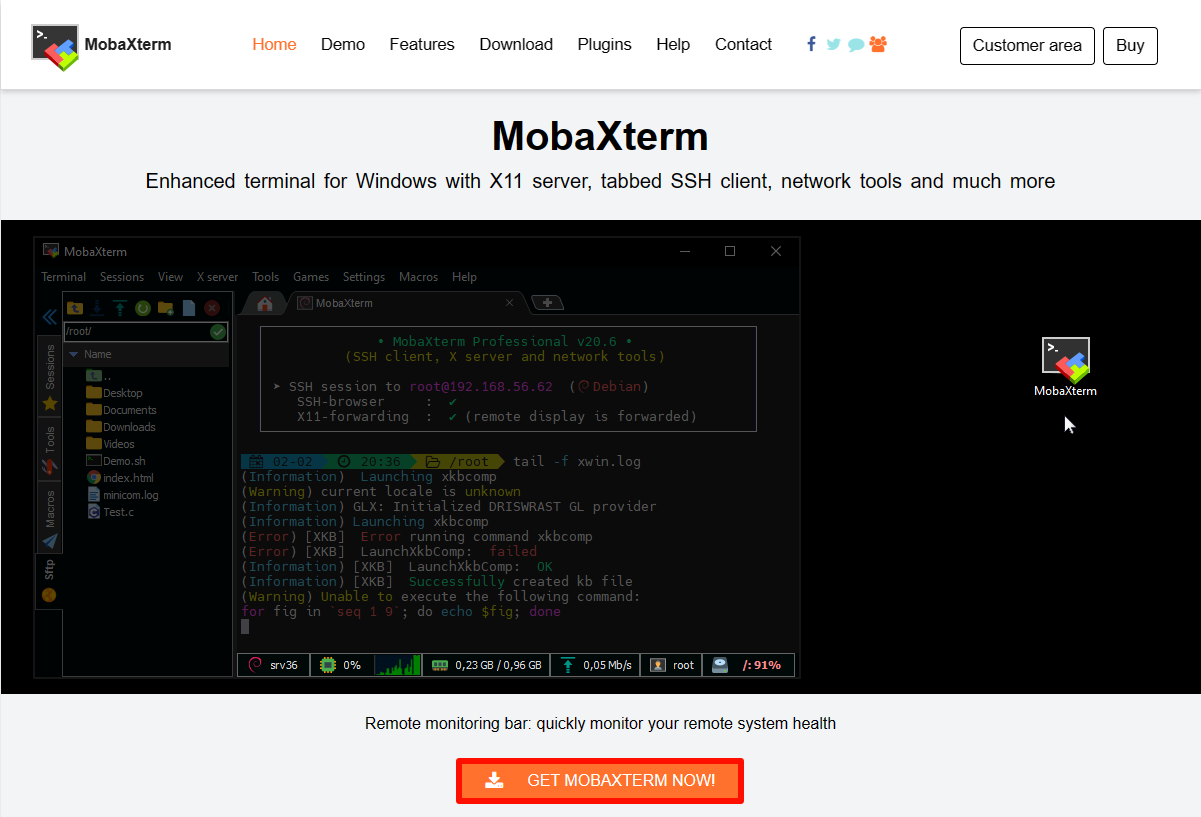
2.1. Download MobaXterm
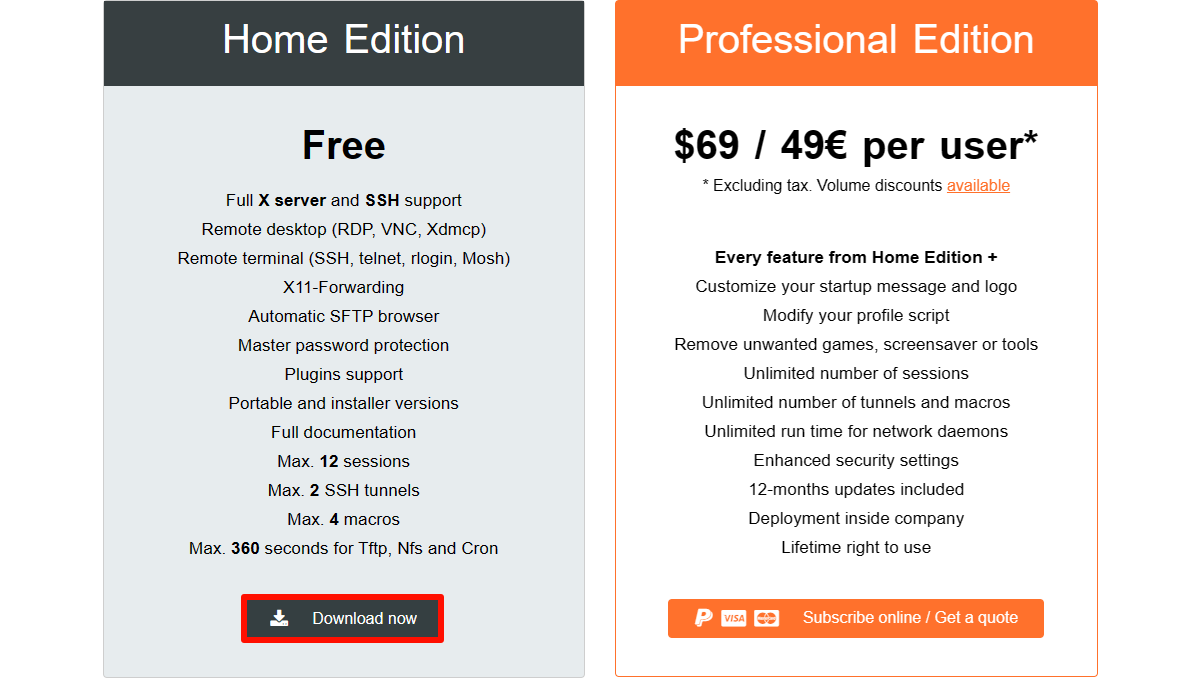
Select the free version to download:
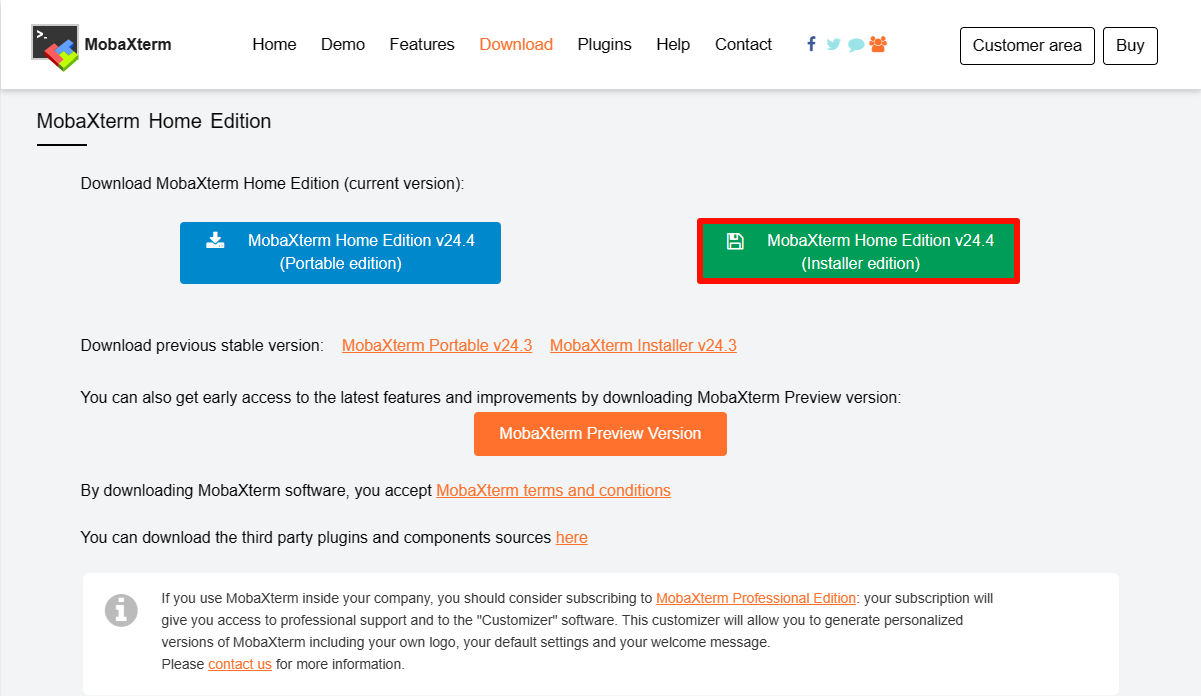
Select the installation version to download:
2.2. Install MobaXterm
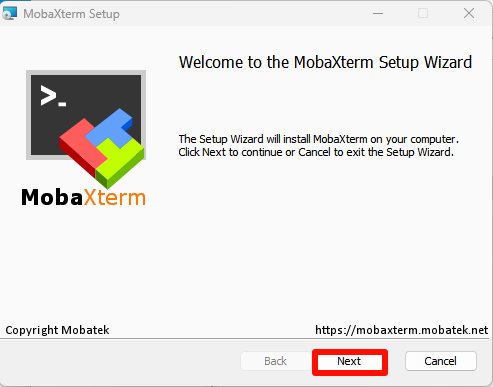
Unzip the compressed package downloaded from the official website, open the MobaXterm_installer_24.4.msi file to install:
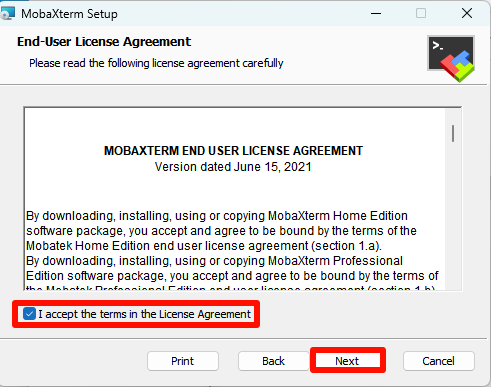
Agree to the agreement:
Select the software installation location: the default location is recommended
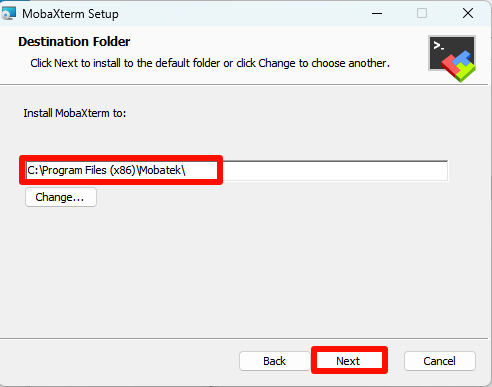
Official installation:
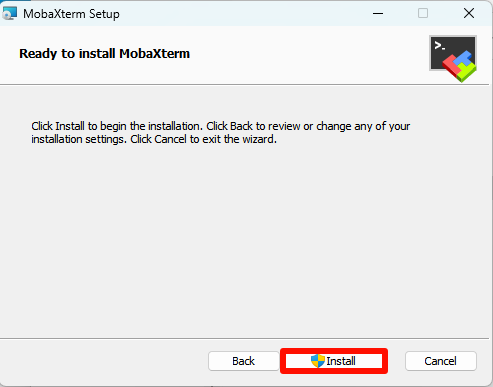
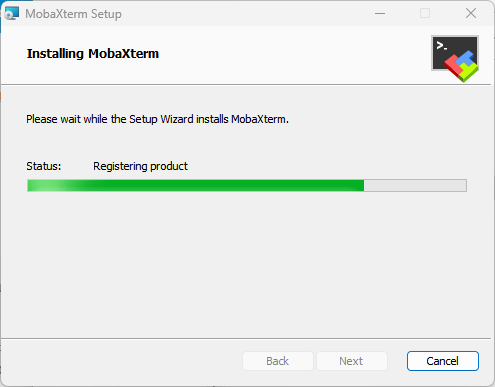
Complete installation:
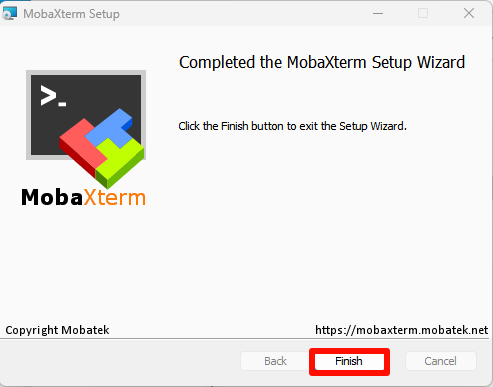
3. Use MobaXterm
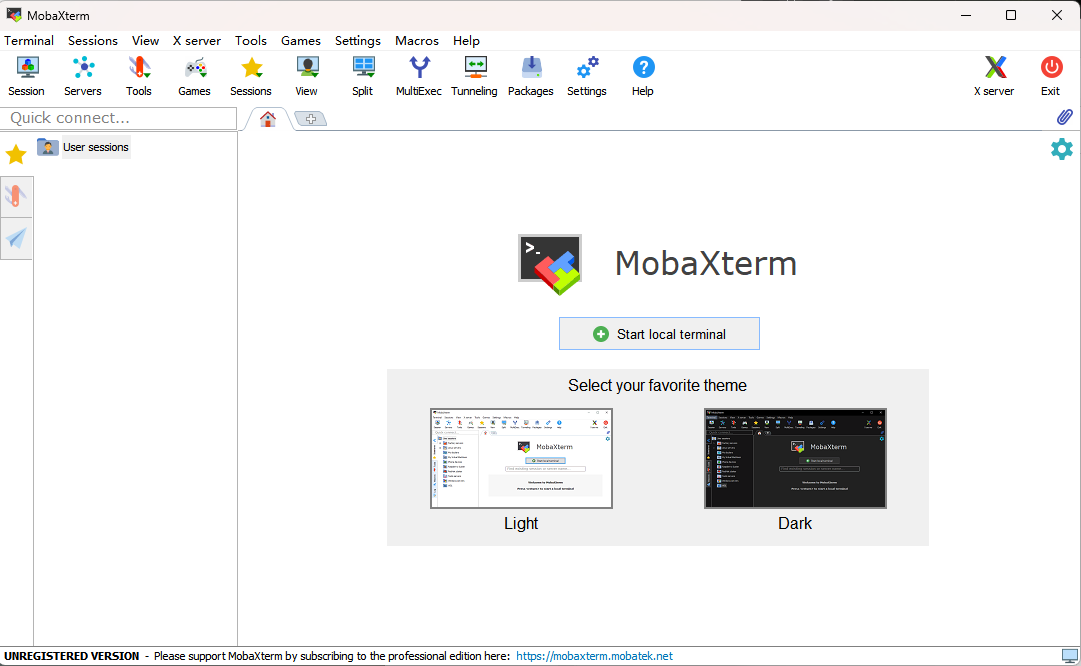
Find the MobaXterm icon on the desktop and open it:

4. MobaXterm: SFTP remote
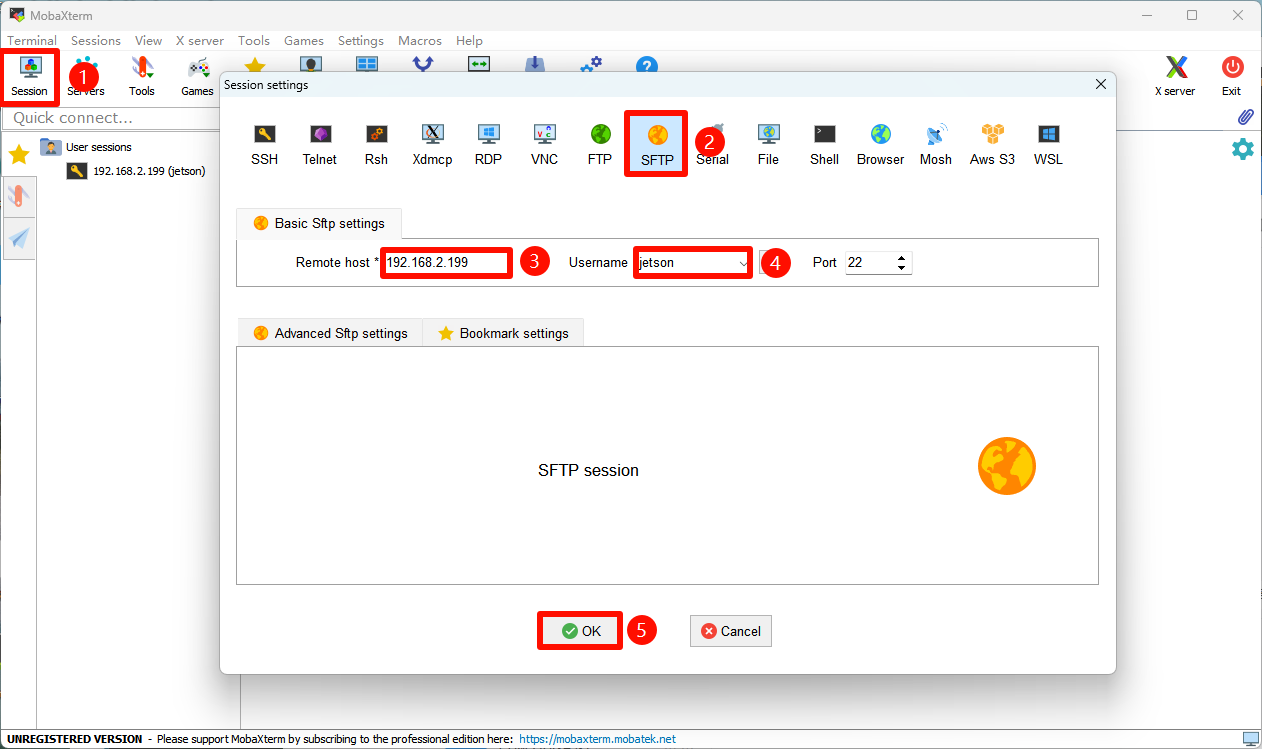
Select Session → FTP : Fill in the remote device IP and username
Default information of Jetson motherboard:
Username: jetson
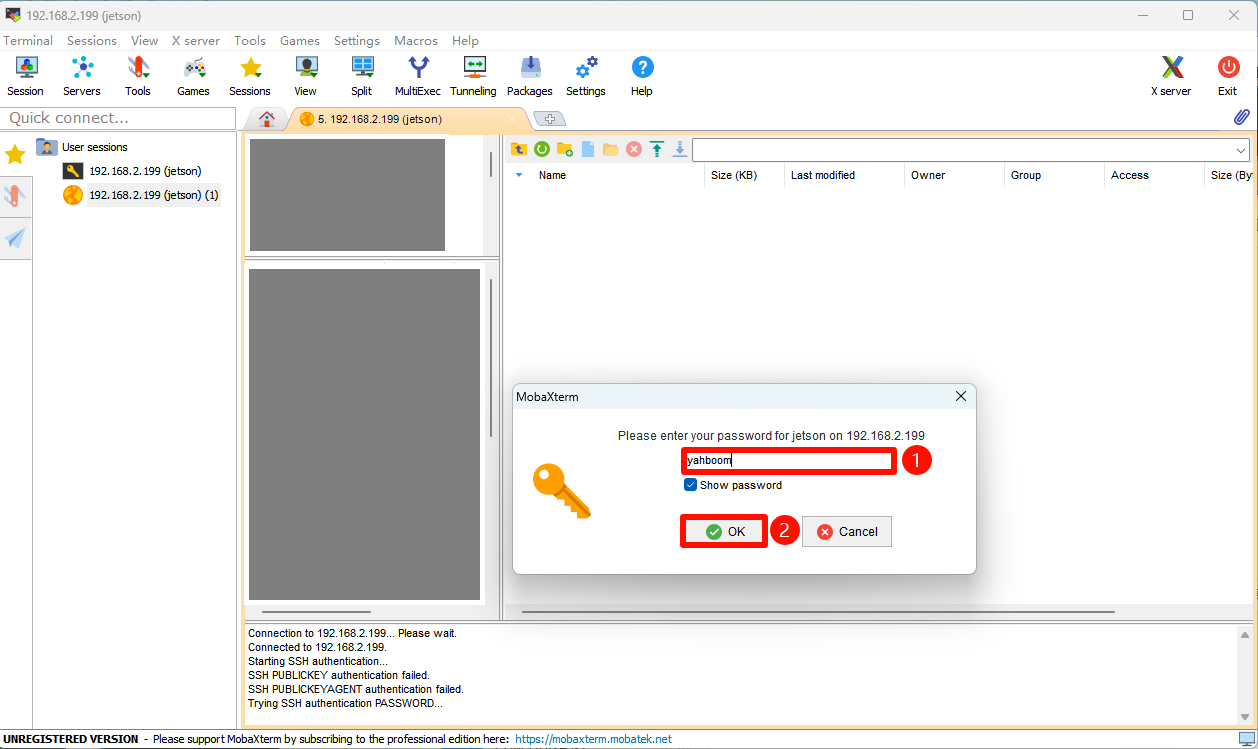
Password: HemiHex
note
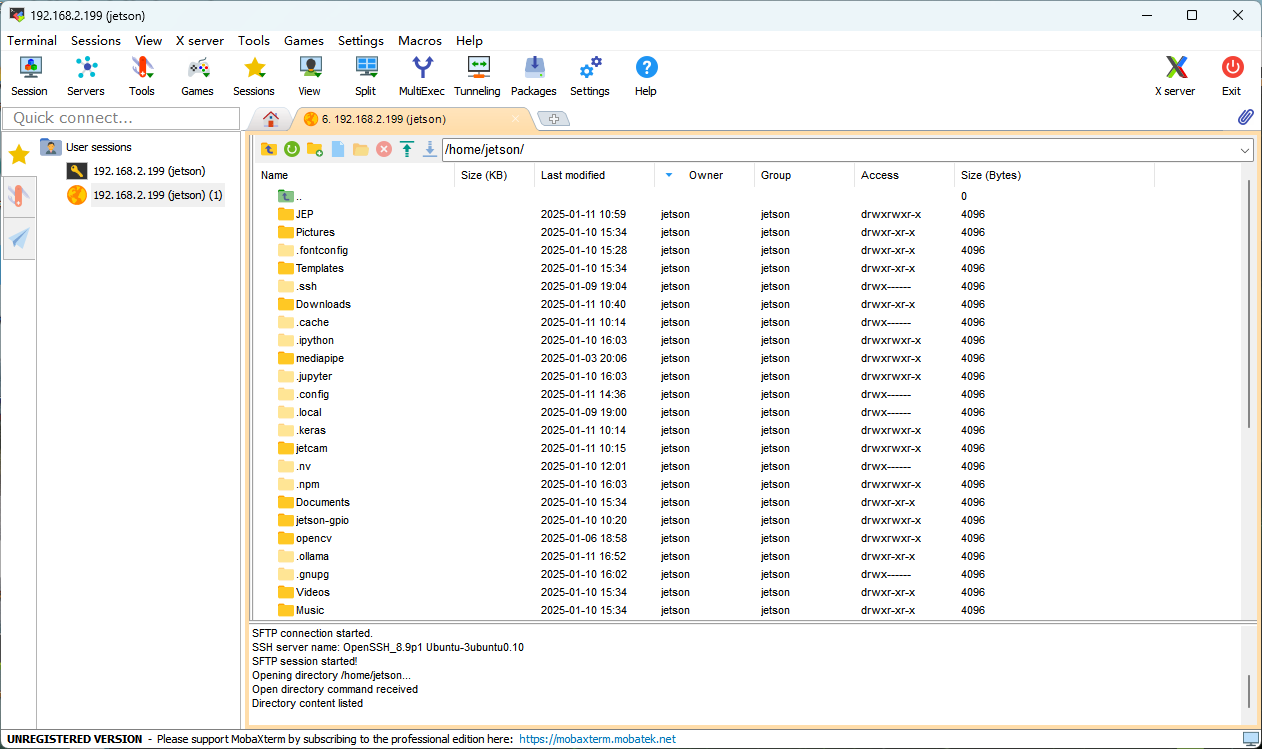
: If MobaXterm uses SSH remotely, it will automatically use SFTP remote login in the sidebar