01-Ollama
Demo Environment
Demo Environment
Development board : Jetson Orin series motherboard
Ollama is an open source tool that aims to simplify the deployment and operation of large language models, allowing users to use high-quality language models in local environments.
1. Large Language Model (LLM)
Large Language Models (LLM) are a type of advanced text generation system based on artificial intelligence technology. Its main feature is that it can learn and understand human language through large-scale training data and can generate natural and fluent text.
2. Ollama Installation
The tutorial demonstrates the use of scripts to install Ollama on the Jetson Orin series motherboard.
Script Installation
sudo apt install curl -y
sudo curl -fsSL https://ollama.com/install.sh | sh
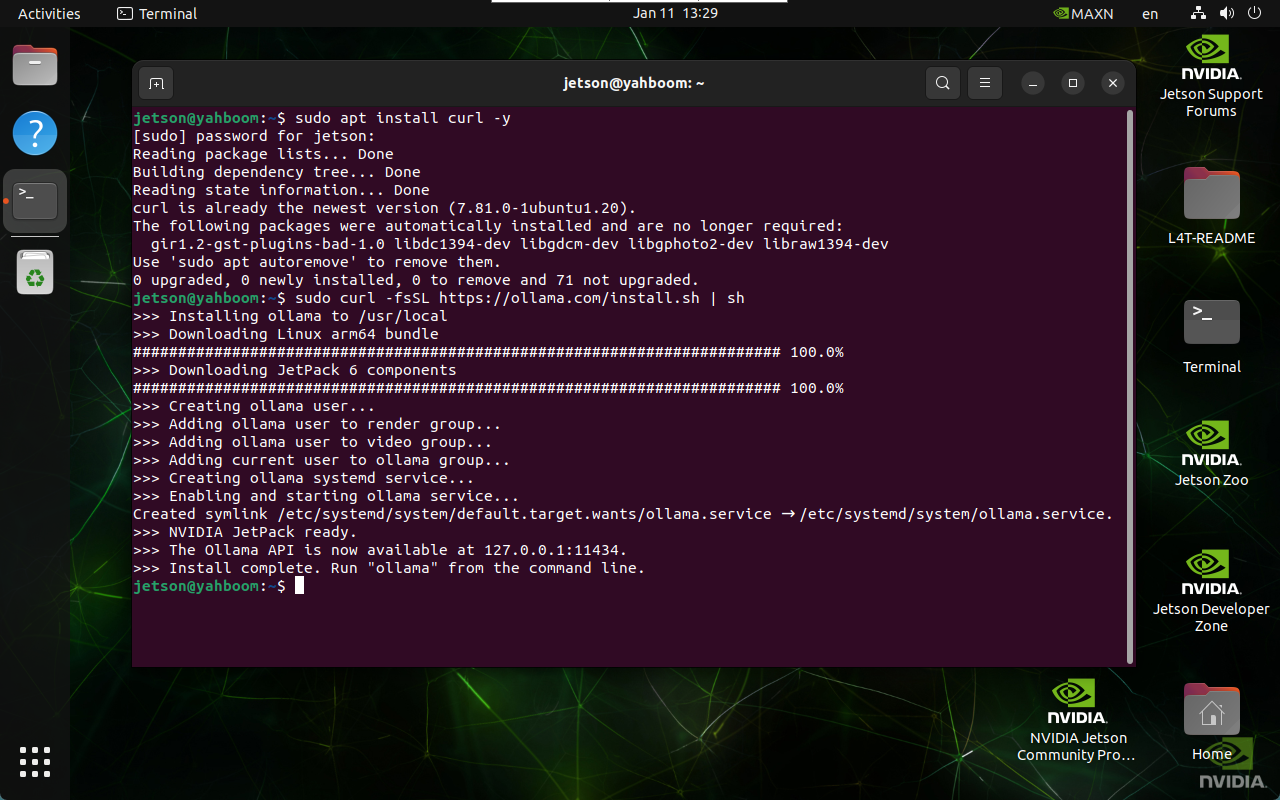
The entire installation process takes a long time, please wait patiently!
3. Use Ollama
Type ollama in the terminal and you will see the prompt:
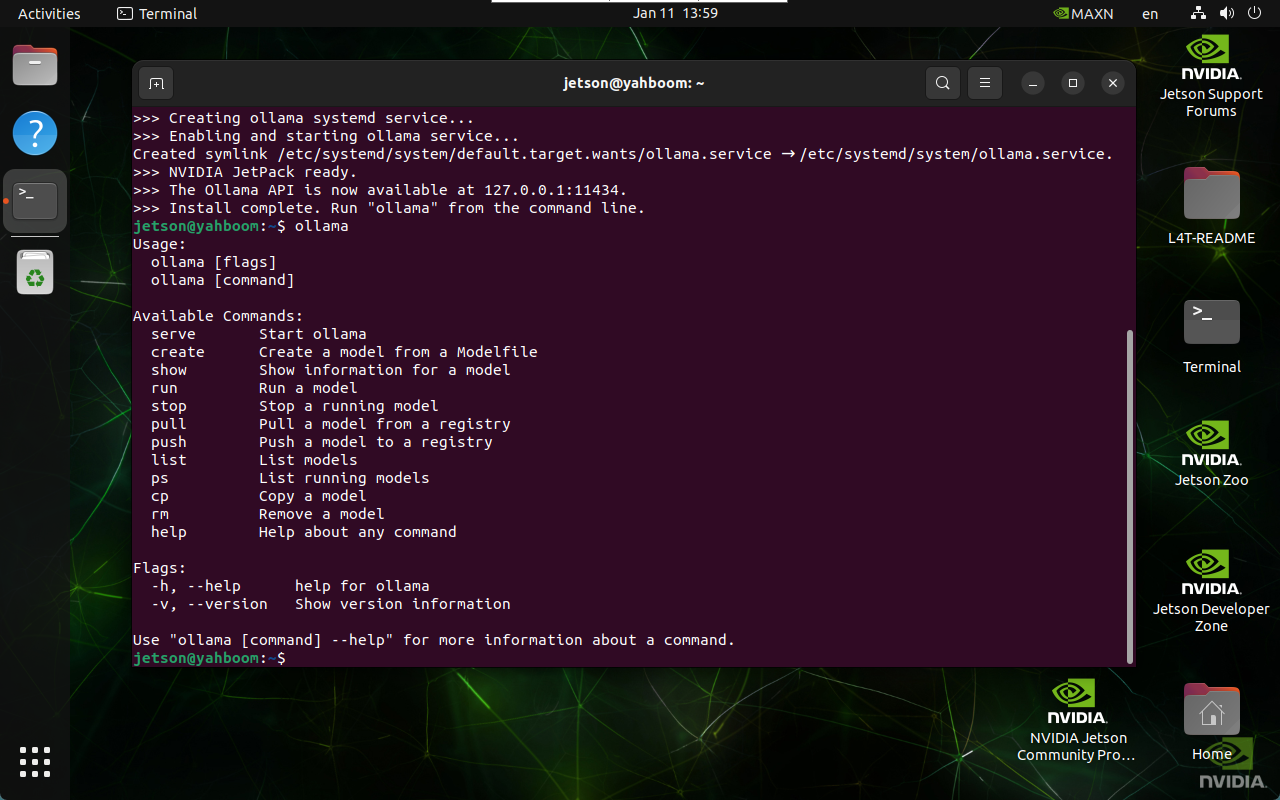
| Command | Purpose |
|---|---|
| ollama serve | Start ollama |
| ollama create | Create a model from a model file |
| ollama show | Show model information |
| ollama run | Run a model |
| ollama pull | Pull a model from a registry |
| ollama push | Push a model to a registry |
| ollama list | List models |
| ollama ps | List running models |
| ollama cp | Copy a model |
| ollama rm | Delete a model |
| ollama help | Get help information about any command |
4. Ollama Uninstall
sudo systemctl stop ollama
sudo systemctl disable ollama
sudo rm /etc/systemd/system/ollama.service
sudo rm $(which ollama)
sudo rm -r /usr/share/ollama
sudo userdel ollama
sudo groupdel ollama
References
Ollama
Official website: https://ollama.com/
GitHub: https://github.com/ollama/ollama