1-1-TensorFlow
TensorFlow is an end-to-end machine learning and deep learning framework developed and open-sourced by Google. It is widely used to build, train, and deploy machine learning models on CPUs, GPUs, and embedded platforms such as NVIDIA Jetson.
This document describes how to install and verify TensorFlow on Jetson systems.
1. System Information
Before installing TensorFlow, verify your system and CUDA environment.
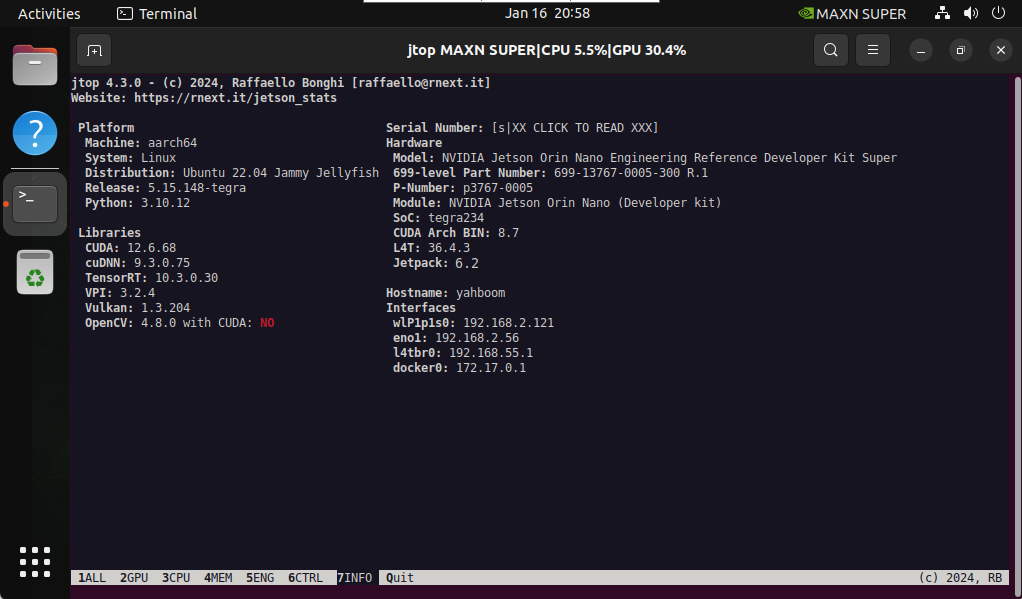
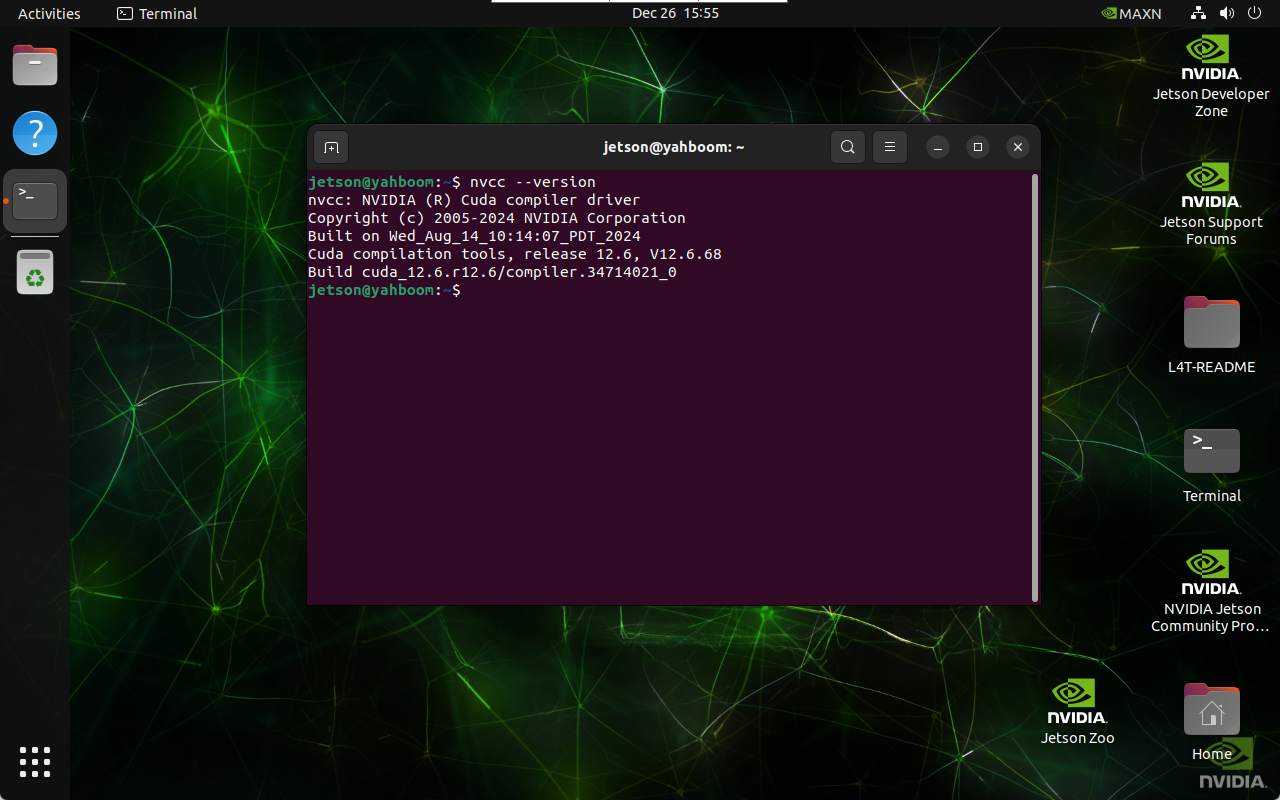
Query CUDA Version
nvcc --version
2. Install TensorFlow
You can install TensorFlow using either offline or online methods.
2.1 Offline Installation
Step 1: Download TensorFlow Package
Download the TensorFlow wheel matching your JetPack version:
https://developer.download.nvidia.com/compute/redist/jp/v61/tensorflow/
Step 2: Install the Package
cd ~/Downloads
sudo pip3 install tensorflow-2.16.1+nv24.08-cp310-cp310-linux_aarch64.whl
Ensure the TensorFlow version matches your JetPack and Python version.
2.2 Online Installation
sudo pip3 install --extra-index-url https://developer.download.nvidia.com/compute/redist/jp/v61 tensorflow==2.16.1+nv24.08
2.3 Install NumPy
sudo pip install numpy==1.23.5
Using incompatible NumPy versions may cause runtime errors.
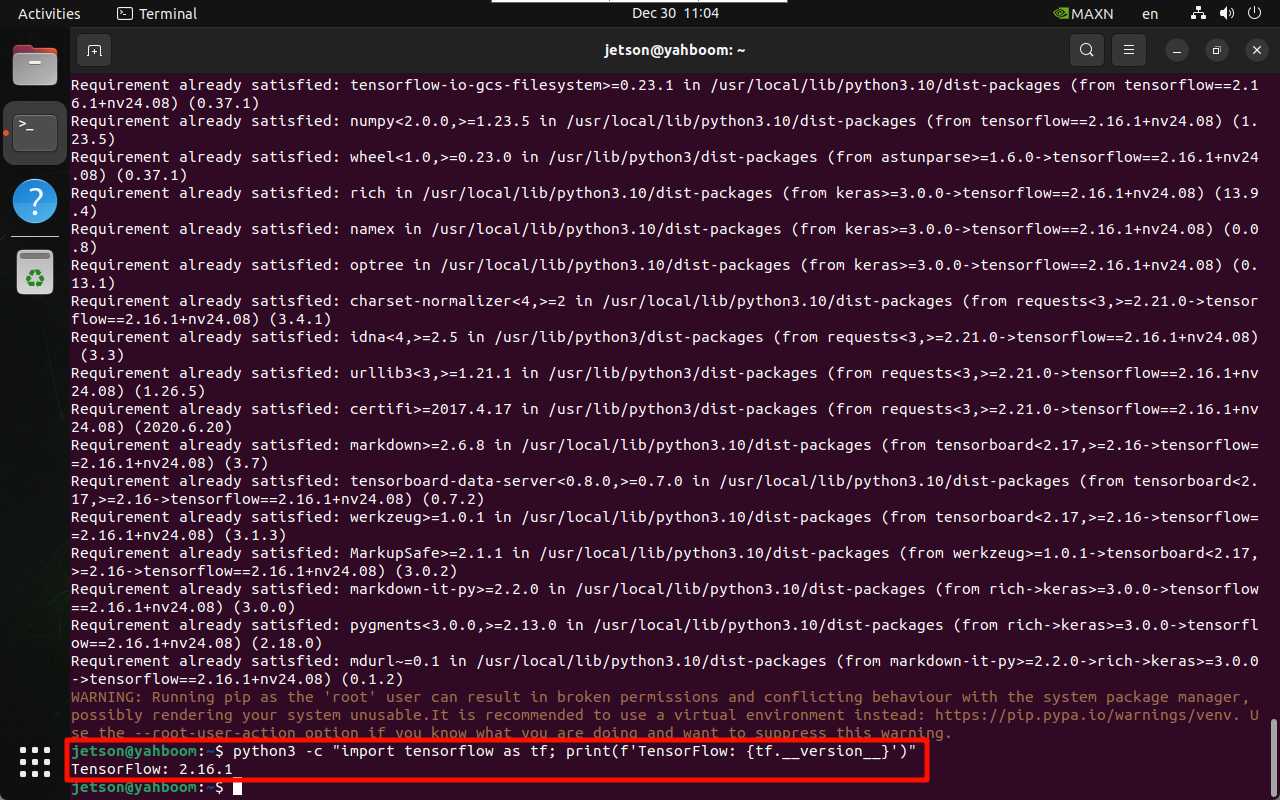
3. Verify Installation
python3 -c "import tensorflow as tf; print(tf.__version__)"
References
-
NVIDIA TensorFlow for Jetson
https://docs.nvidia.com/deeplearning/frameworks/install-tf-jetson-platform/index.html -
Jetson AI Lab Packages
https://pypi.jetson-ai-lab.dev/
Maintained by HemiHex for Jetson-based AI workflows.