02-Docker Installation
This guide demonstrates script-based installation of Docker on a Linux system, including system preparation, installation, permission configuration, and verification.
1. Update System Software
Before installing Docker, ensure your system packages are up to date to avoid dependency and compatibility issues.
sudo apt update && sudo apt upgrade
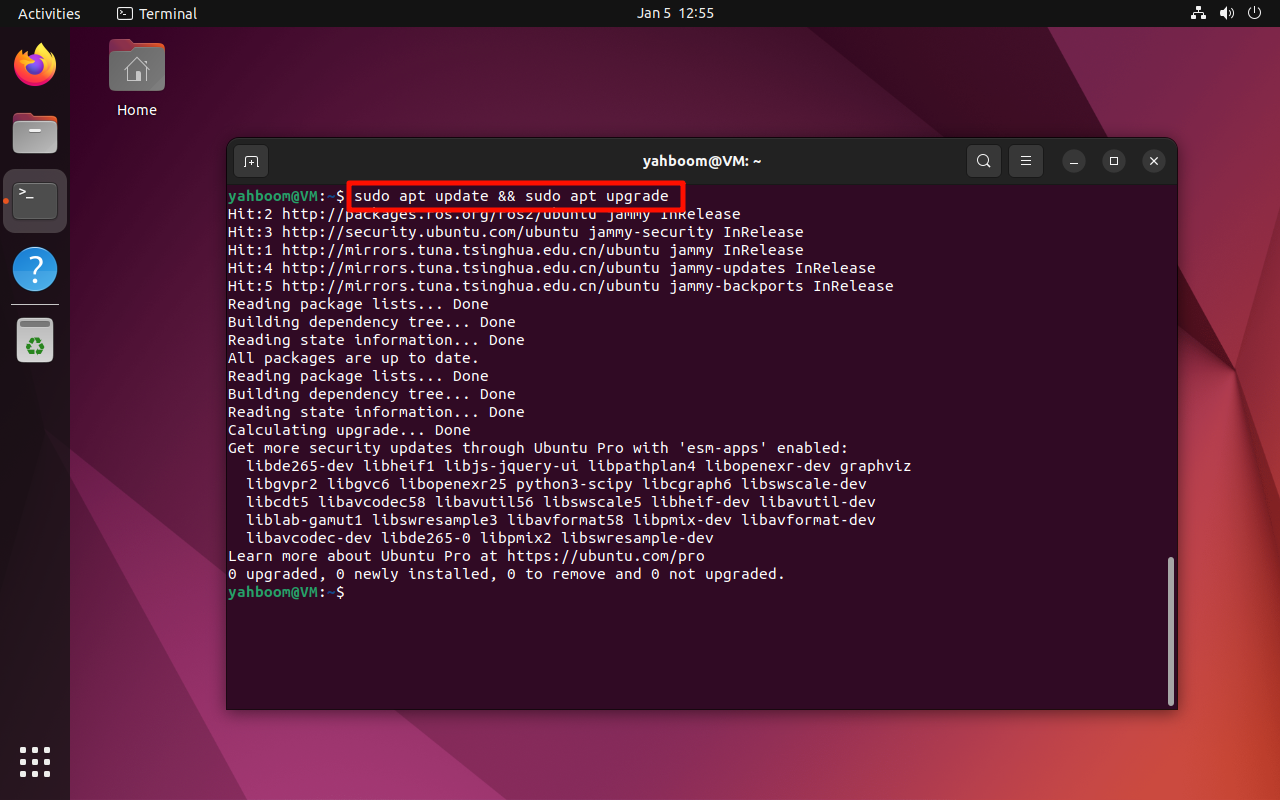 .
.
2. Official Script Installation
Docker provides an official installation script that simplifies setup.
2.1 Install curl
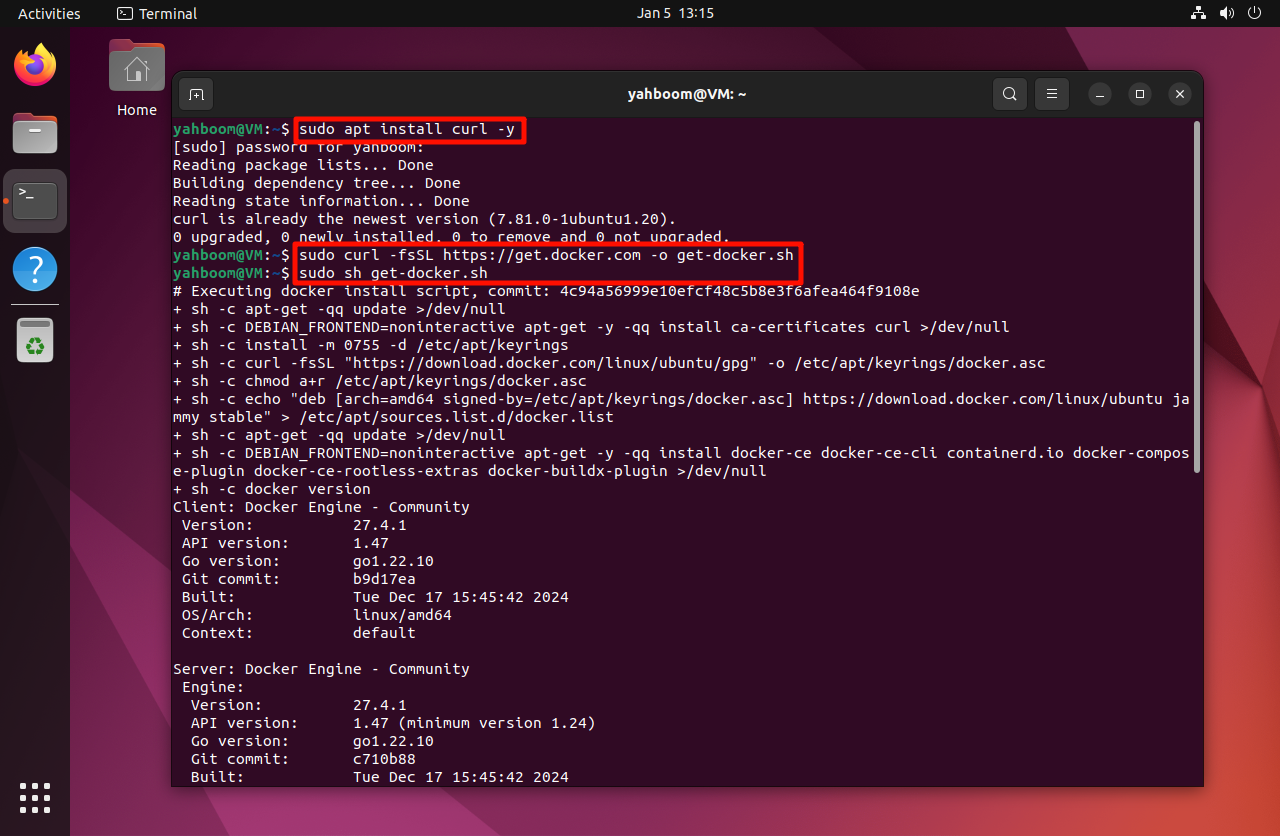
The installation script is downloaded using curl. Install it if it is
not already available:
sudo apt install curl -y
2.2 Download the Docker Installation Script
sudo curl -fsSL https://get.docker.com -o get-docker.sh
2.3 Run the Installation Script
Run the script with root privileges:
sudo sh get-docker.sh
Docker will be installed automatically along with all required dependencies.
3. Configure User Permissions
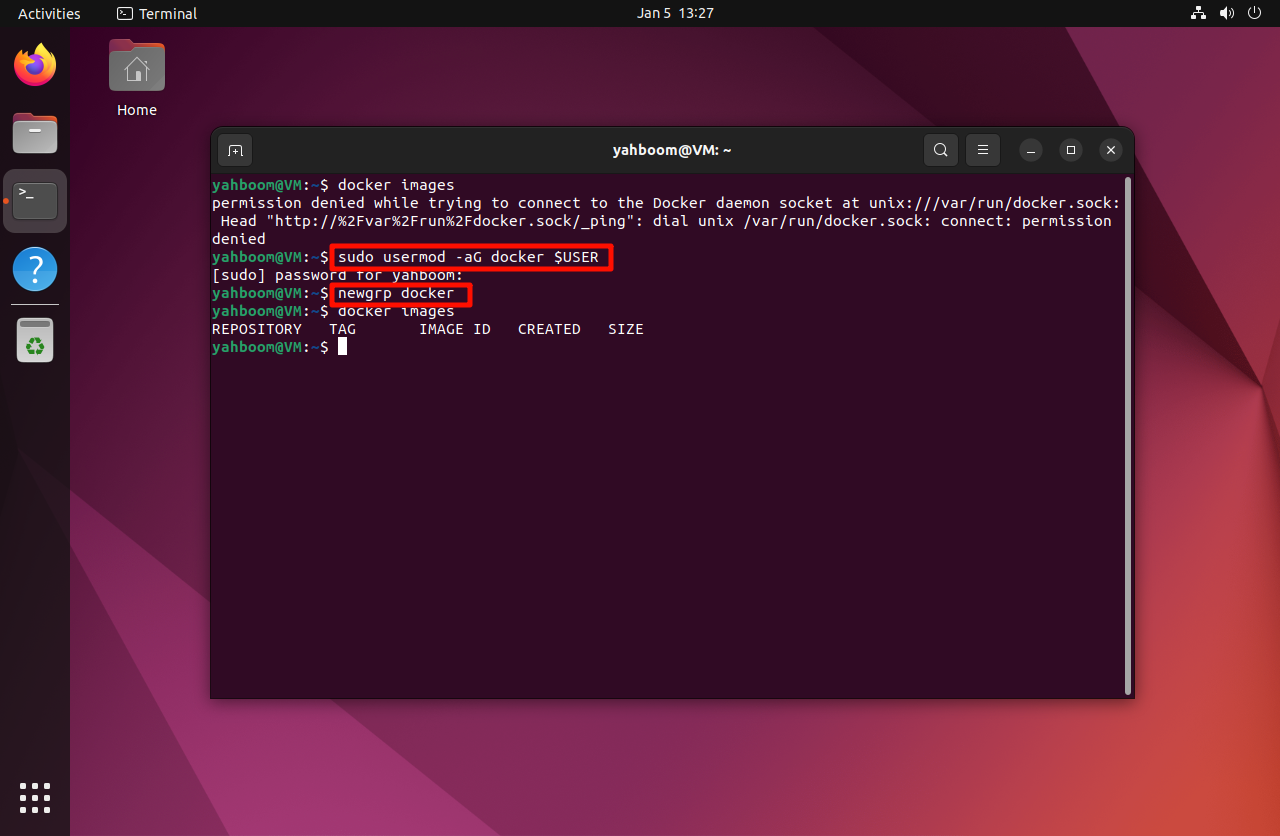
By default, Docker commands require sudo. To allow the current user to
run Docker commands without sudo, add the user to the docker group:
sudo usermod -aG docker $USER
newgrp docker
After running these commands, log out and log back in if required.
4. Verify Installation
Verify that Docker is installed correctly:
docker --version
If the Docker version is displayed, the installation was successful.
This documentation is maintained by HemiHex for containerized development environments.