01-Image Reading with OpenCV
OpenCV (Open Source Computer Vision Library) is an open-source computer vision and machine learning library widely used in:
- Image processing\
- Video processing\
- Machine vision\
- Artificial intelligence
This document explains both the concepts and a practical Python example for reading images using OpenCV.
1. Implementation Principle
OpenCV provides simple APIs for image input/output:
cv2.imread()--- reads an image file from disk\cv2.imshow()--- displays the image in a window
The basic workflow is:
- Load the image from a file path\
- Check whether the image is loaded successfully\
- Display the image\
- Wait for user input and close the window
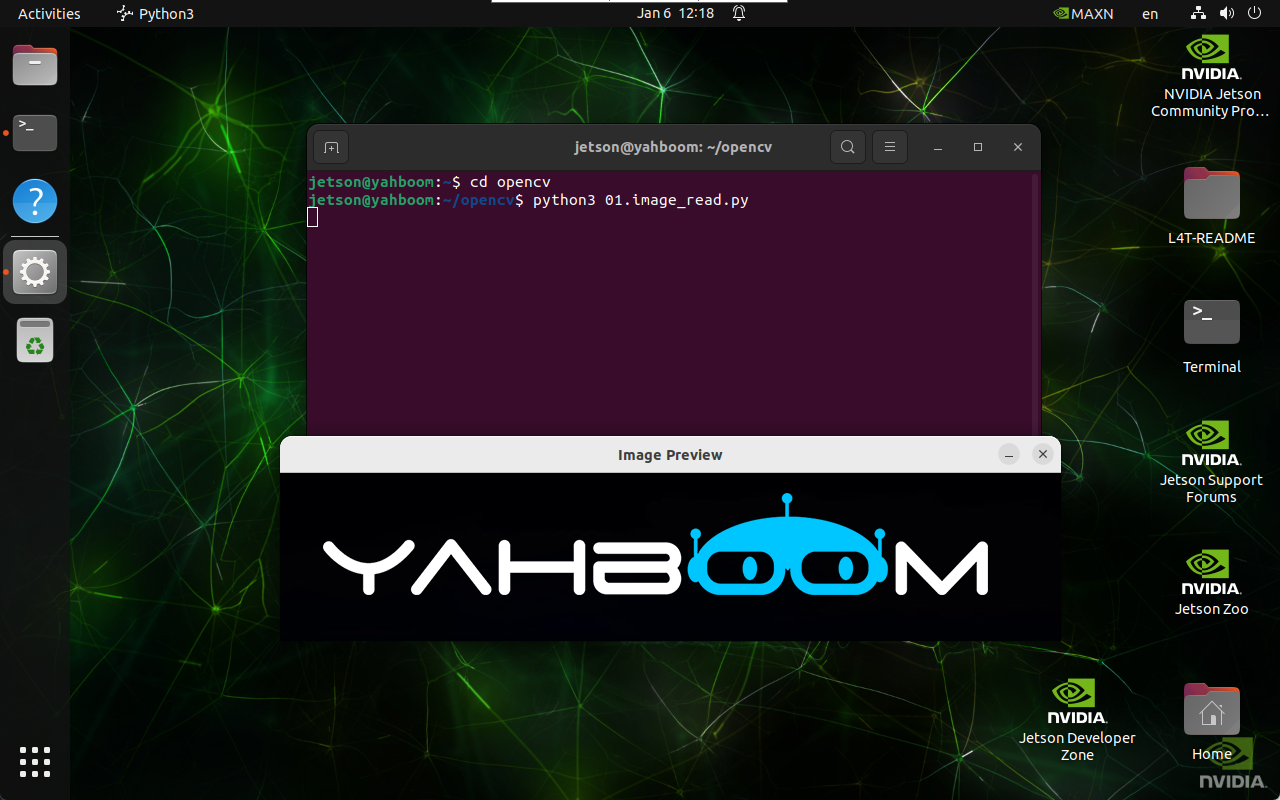
2. Implementation Effect
Navigate to the OpenCV working directory:
cd ~/opencv
Run the image reading script:
python3 01.image_read.py
note
Select the image display window and press q to exit the program.
3. Python Example Code
import cv2

def read_image(file_path):
    image = cv2.imread(file_path)

    if image is None:
        print("Error: Unable to open image file.")
    else:
        cv2.imshow('Image Preview', image)
        cv2.waitKey(0)
        cv2.destroyAllWindows()

read_image('/home/jetson/opencv/images/hemihex_logo.png')
4. Code Explanation
-
cv2.imread(file_path)
Loads the image from disk. ReturnsNoneif the file cannot be read. -
cv2.imshow()
Opens a window and displays the image. -
cv2.waitKey(0)
Waits indefinitely for a key press. -
cv2.destroyAllWindows()
Closes all OpenCV windows.
Maintained by HemiHex for computer vision and OpenCV learning workflows.