13-ROS 2 Common Command Tools
1. Package Management Tool: ros2 pkg
1.1 ros2 pkg create
Function: Creates a new package. When creating a package, you must specify the package name, build type, and dependencies.
Format:
ros2 pkg create <package_name> --build-type <build-type> --dependencies <dependencies>
Parameters:
- pkg: Package-related operations\
- create: Create a new package\
- package_name: Name of the new package\
- build-type:
ament_cmakefor C++,ament_pythonfor Python\ - dependencies: Optional dependencies (C++ requires
rclcpp, Python requiresrclpy)
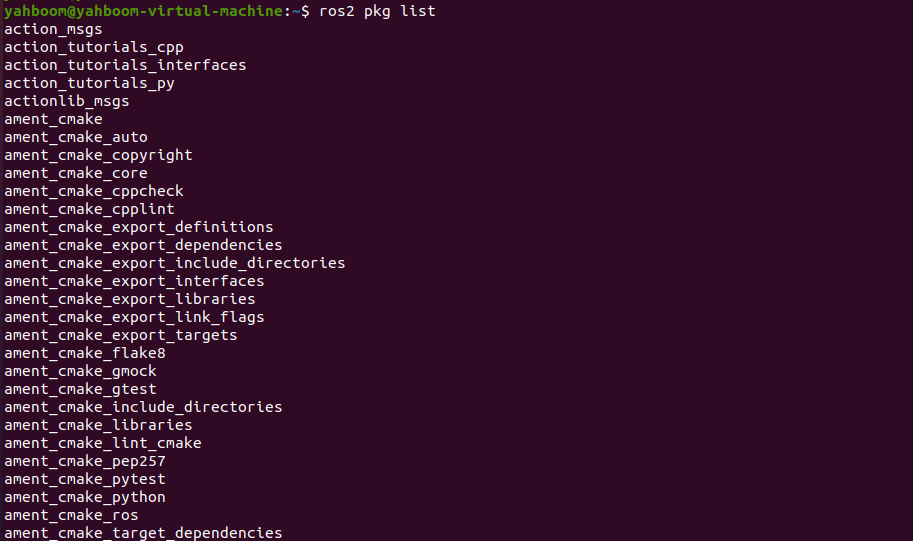
1.2 ros2 pkg list
Function: View all packages in the system.
Format:
ros2 pkg list
1.3 ros2 pkg executables
Function: View all executable files in a package.
Format:
ros2 pkg executables pkg_name

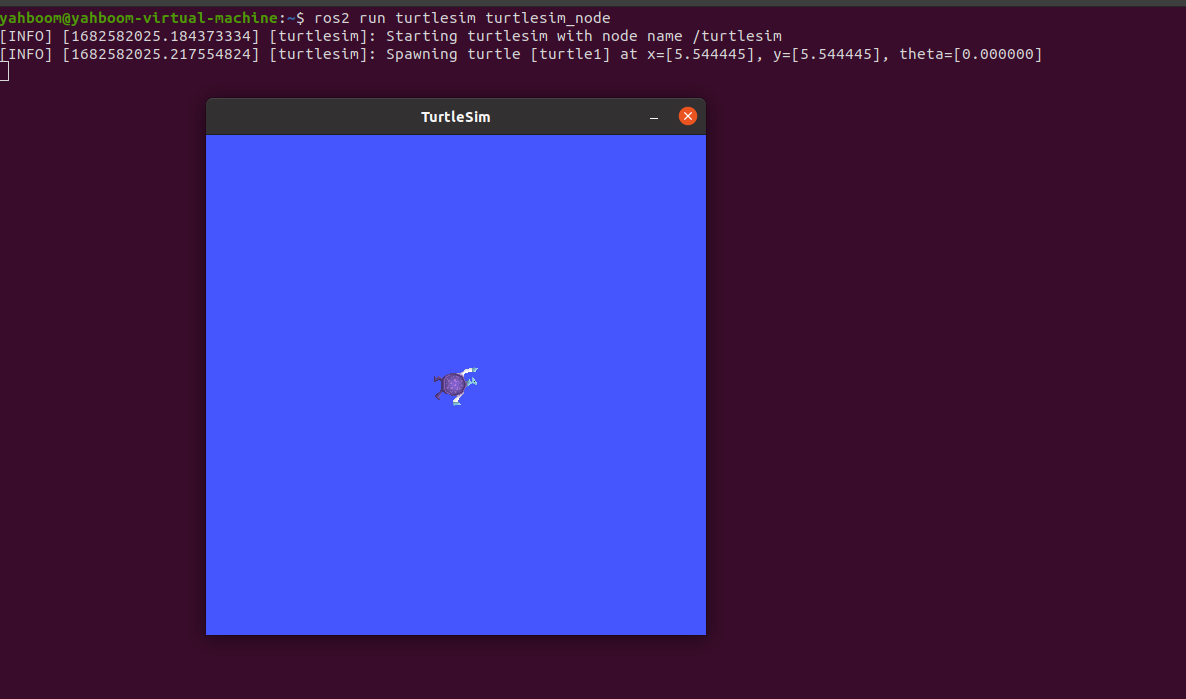
2. Node Execution Tool: ros2 run
Function: Run a node program in a specified package.
Format:
ros2 run pkg_name node_name
- pkg_name: Package name\
- node_name: Executable name
3. Node-Related Tools: ros2 node
3.1 ros2 node list
Function: List all nodes in the current domain.
Format:
ros2 node list

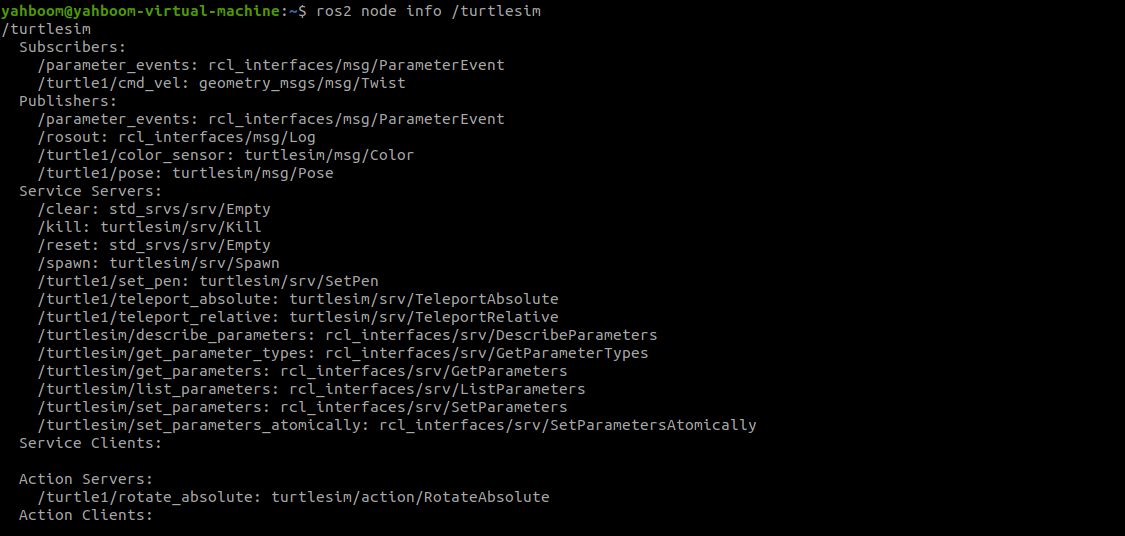
3.2 ros2 node info
Function: View detailed node information (publishers, subscribers, services, actions).
Format:
ros2 node info node_name
4. Topic-Related Tools: ros2 topic
4.1 ros2 topic list
Function: List all topics.
ros2 topic list

4.2 ros2 topic info
Function: Show topic type and publisher/subscriber count.
ros2 topic info topic_name

4.3 ros2 topic type
Function: Display message type for a topic.
ros2 topic type topic_name

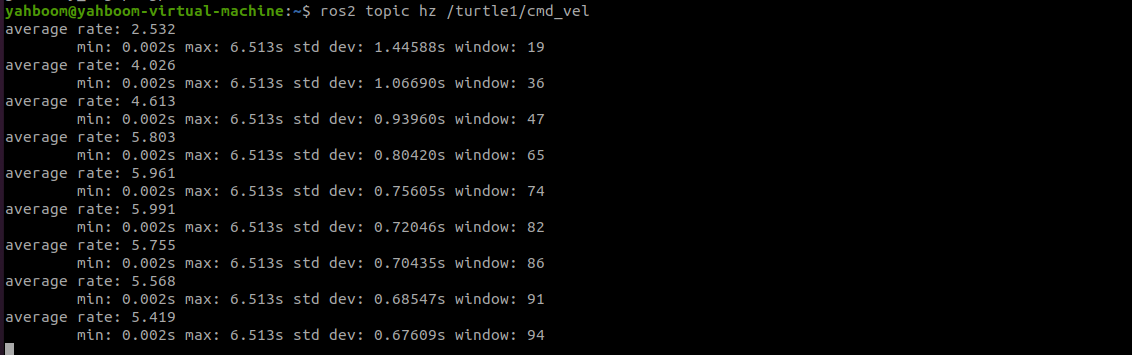
4.4 ros2 topic hz
Function: Display publishing frequency of a topic.
ros2 topic hz topic_name
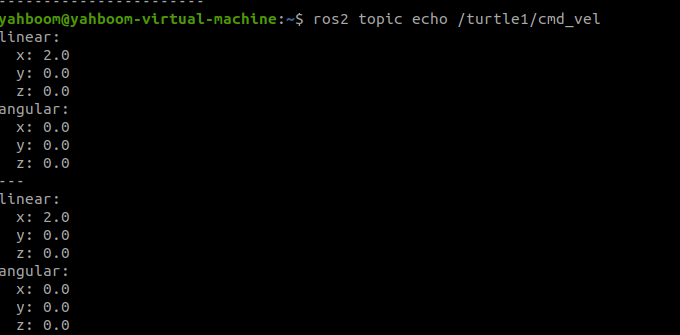
4.5 ros2 topic echo
Function: Print topic messages in the terminal.
ros2 topic echo topic_name
4.6 ros2 topic pub
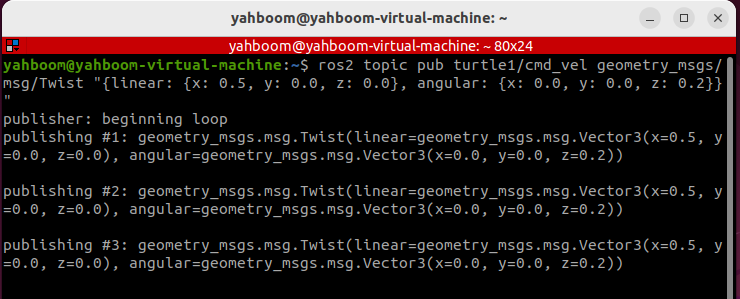
Function: Publish a message to a topic from the terminal.
ros2 topic pub topic_name message_type message_content
Advanced Options:
-1: Publish only once\-t <count>: Publish<count>times\-r <hz>: Publish at<hz>frequency
Example:
ros2 topic pub turtle1/cmd_vel geometry_msgs/msg/Twist "{linear: {x: 0.5, y: 0.0, z: 0.0}, angular: {x: 0.0, y: 0.0, z: 0.2}}"
5. Interface-Related Tools: ros2 interface
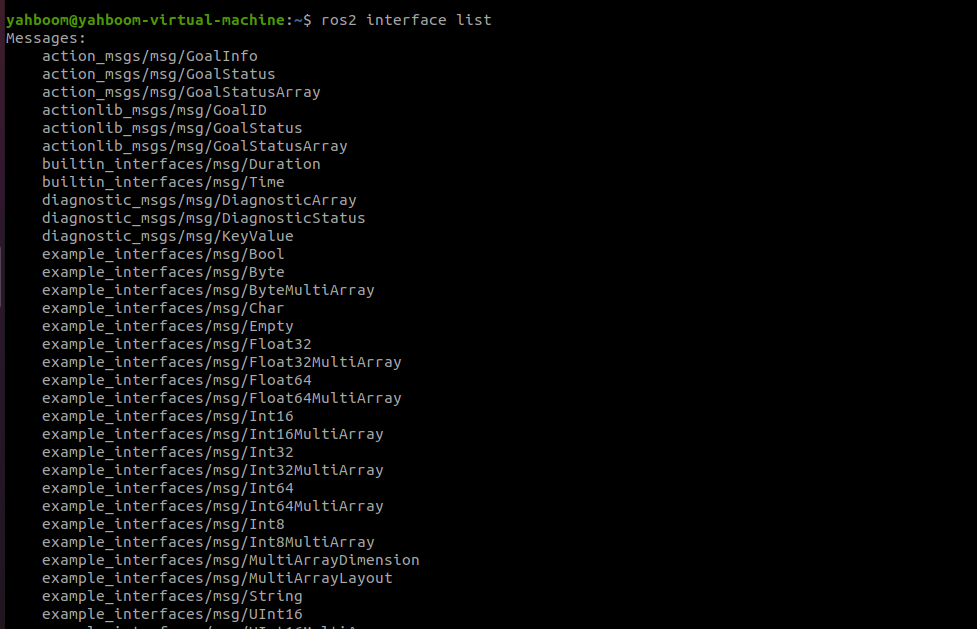
5.1 ros2 interface list
Function: List all available interfaces (topics, services, actions).
ros2 interface list
5.2 ros2 interface show
Function: Display details of a specific interface.
ros2 interface show interface_name
This documentation is maintained by HemiHex for educational and development purposes.